



1. Go to New Case 
2. Specify your priority
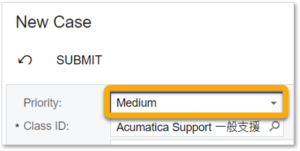
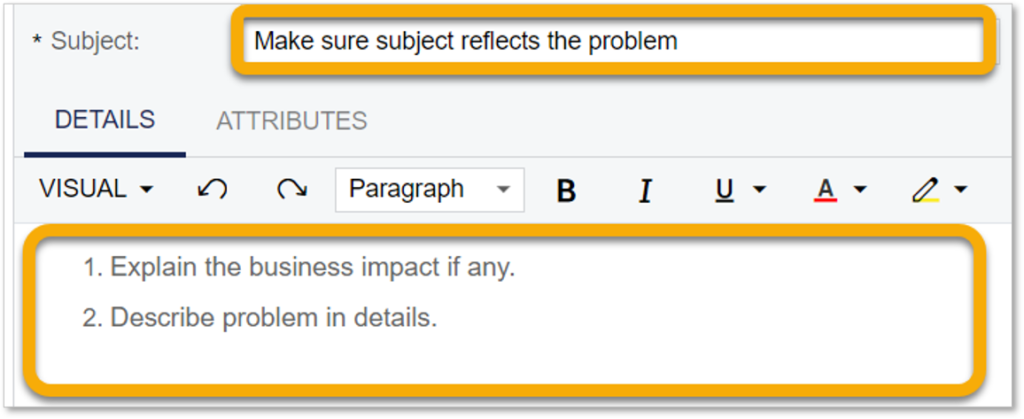
3. Describe your case
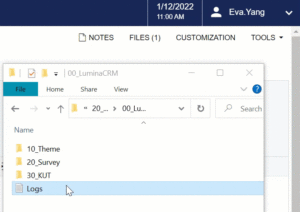
4. Attach files (screenshots, logs…, etc.) if any
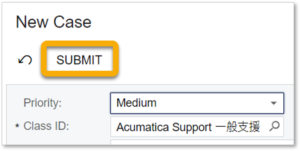
5. Submit your case
1. You can see agent reply in activities.
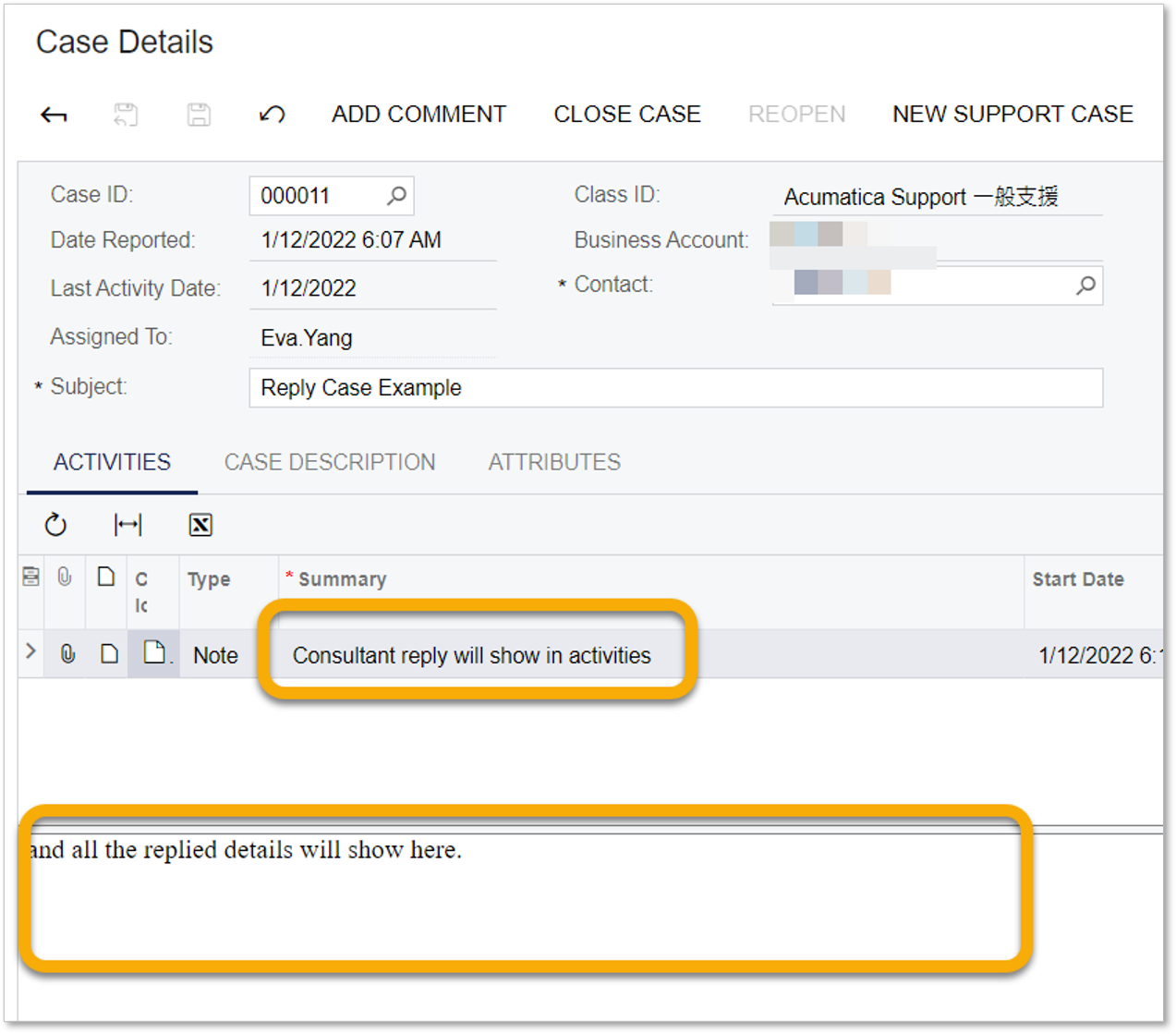
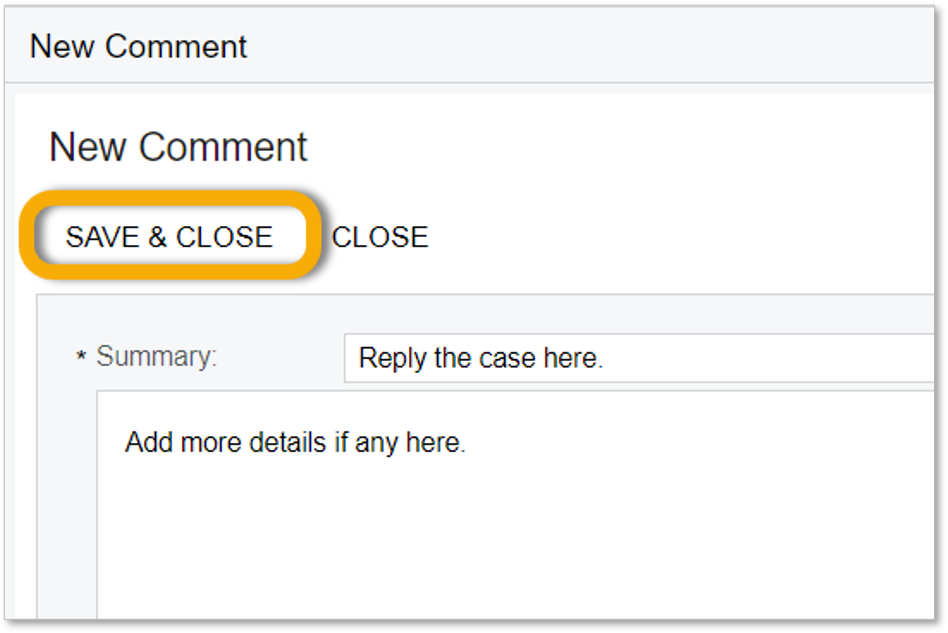
2. You can reply or update to case by ADD COMMENT
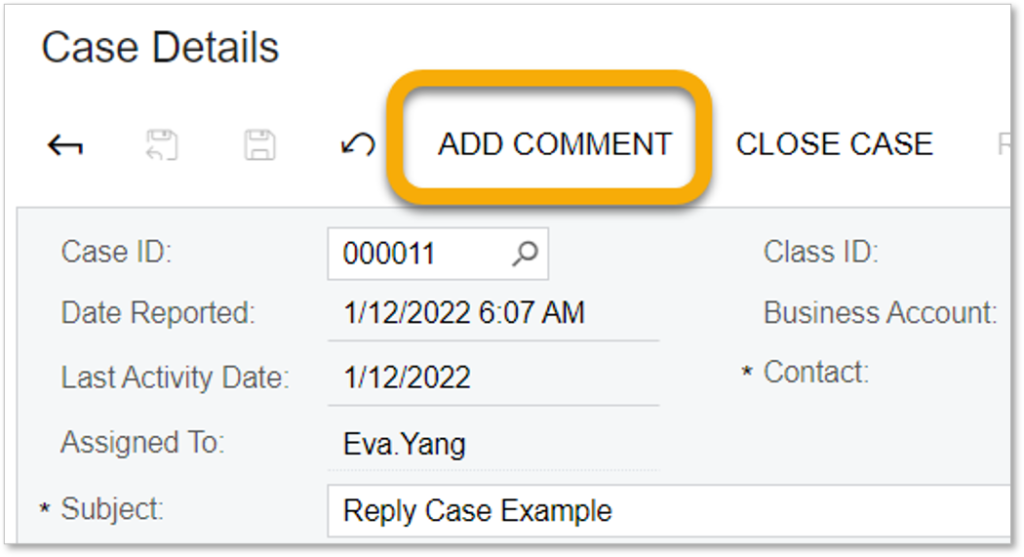
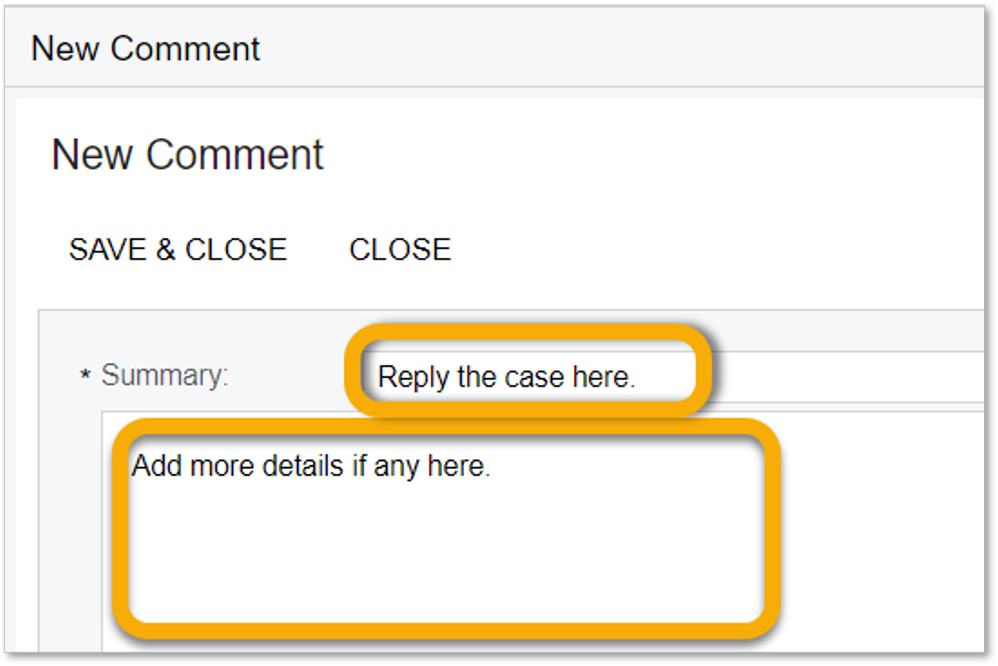
3. Add your reply in comment
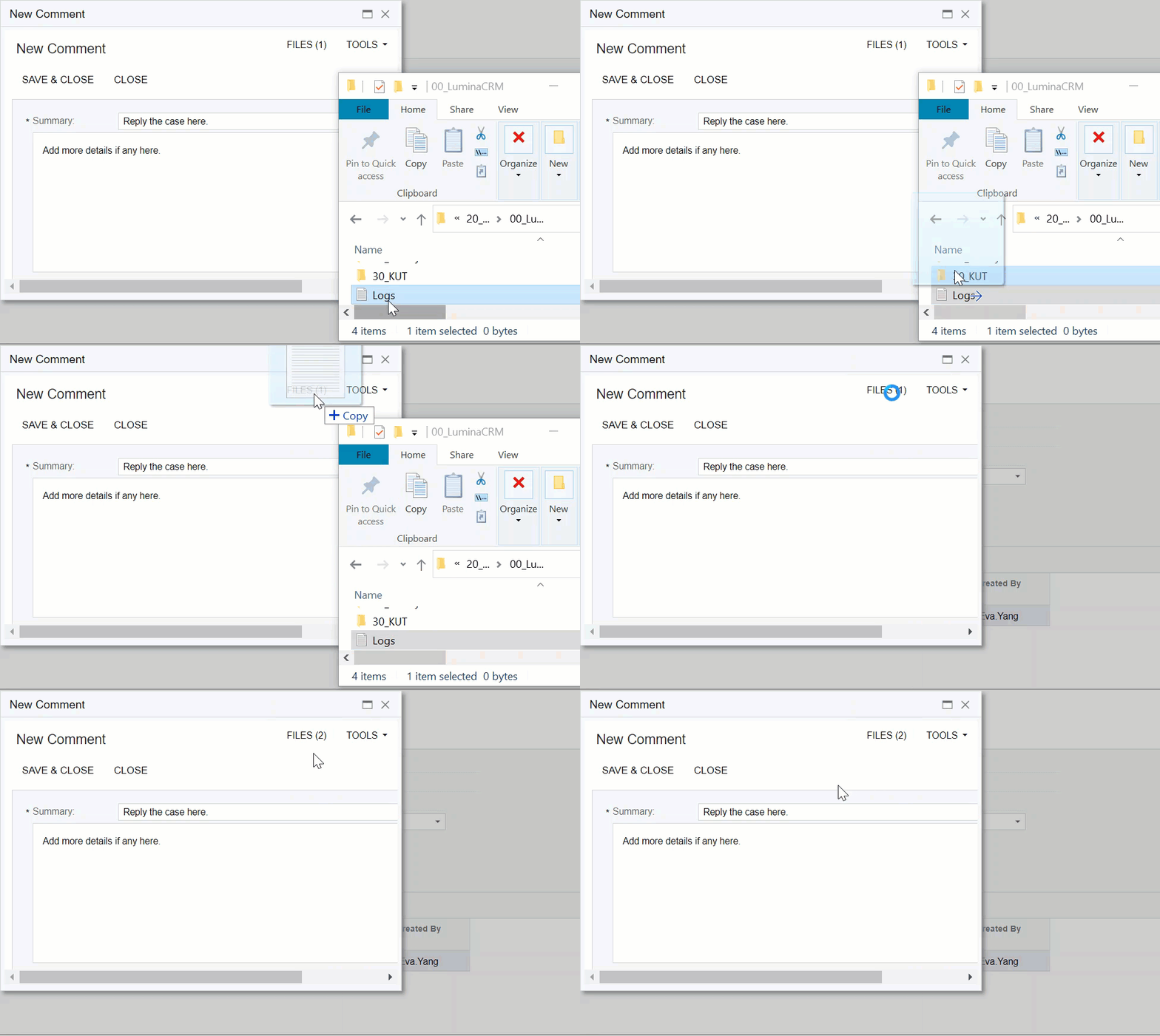
4. Attach file (screenshots, logs,…etc.) if any.
5. SAVE & CLOSE
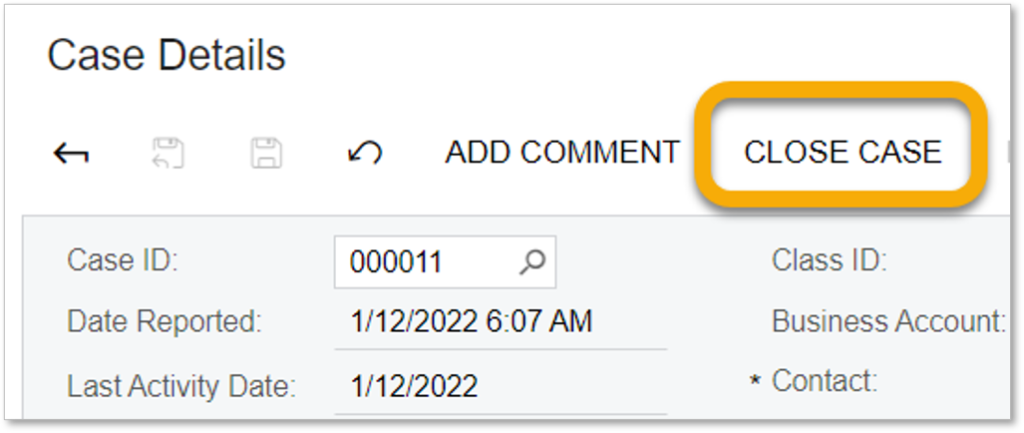
1. Click CLOSE CASE
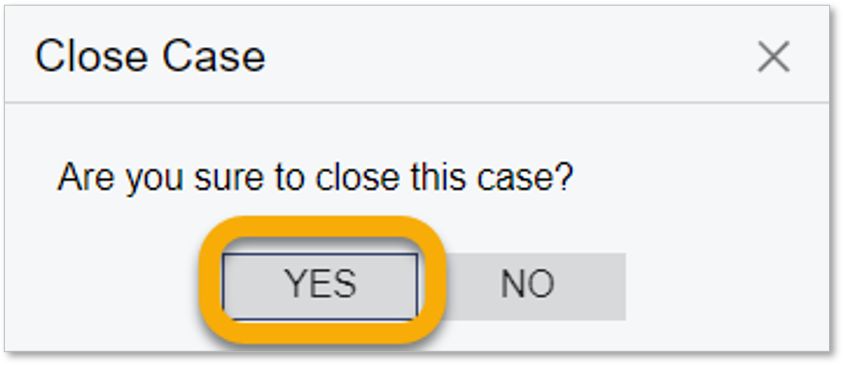
2. Click Yes to confirm close
1. Go to New Contact 
2. ADD NEW
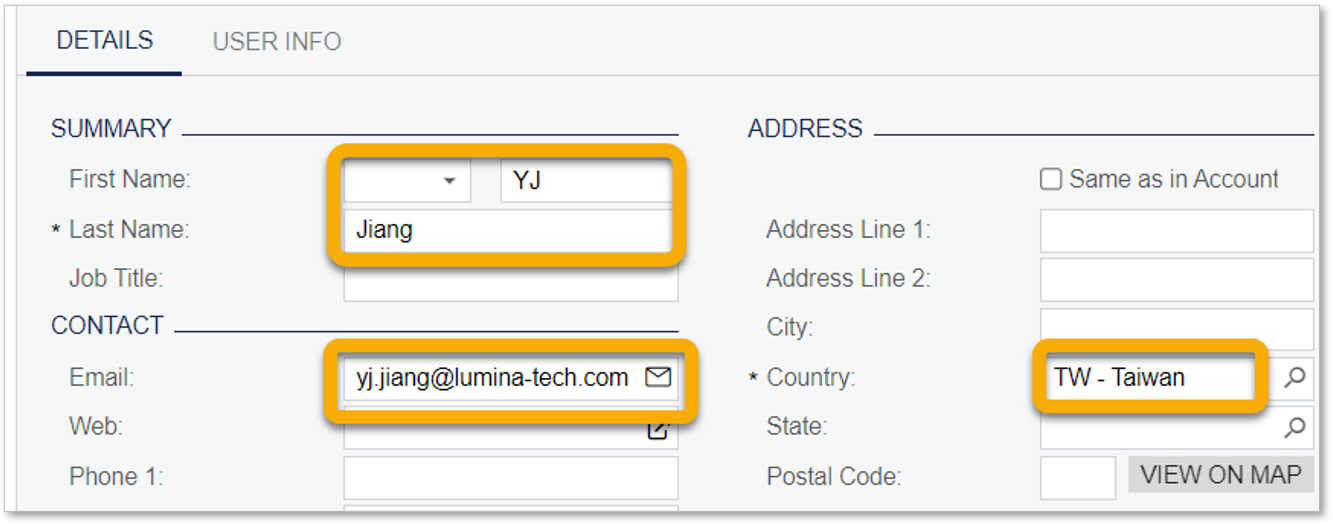
3. Enter mandatory information (Name, Email, Country)
Email will be used for login. Please double confirm the email is correct.
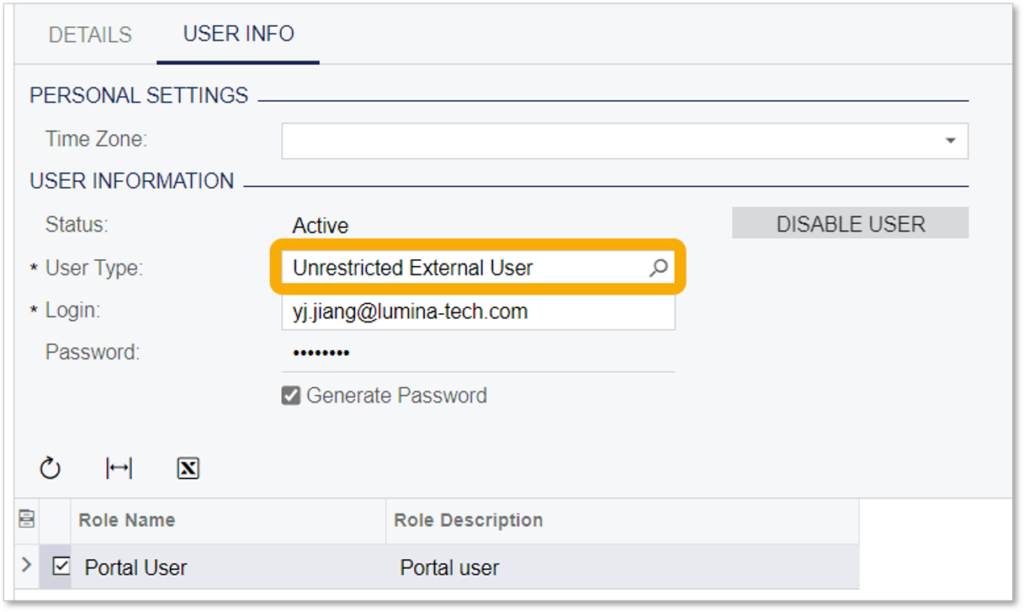
4. Select ‘Unrestricted External User’ in User Type
Email will be populated to login automatically.
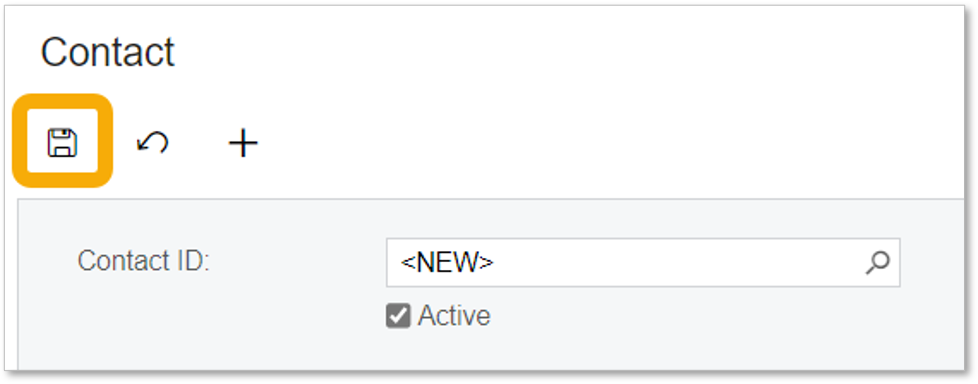
5. Click Save
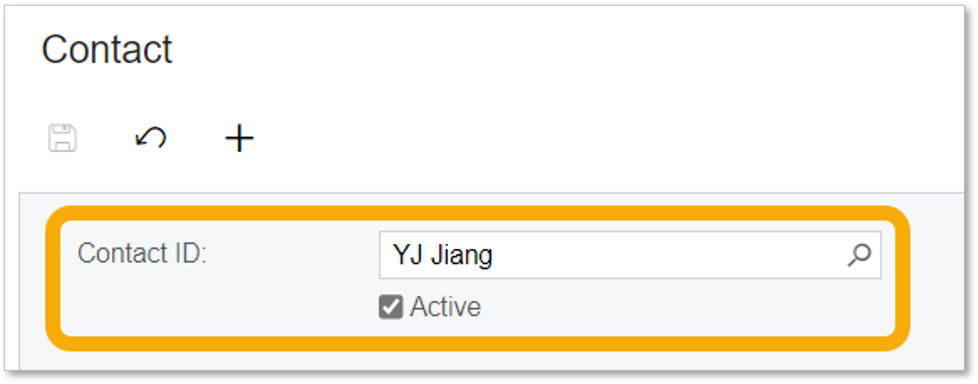
6. System will send out login information to contact email within 5 mins.
If your colleague do not receive the mail, please raise a support case to us.
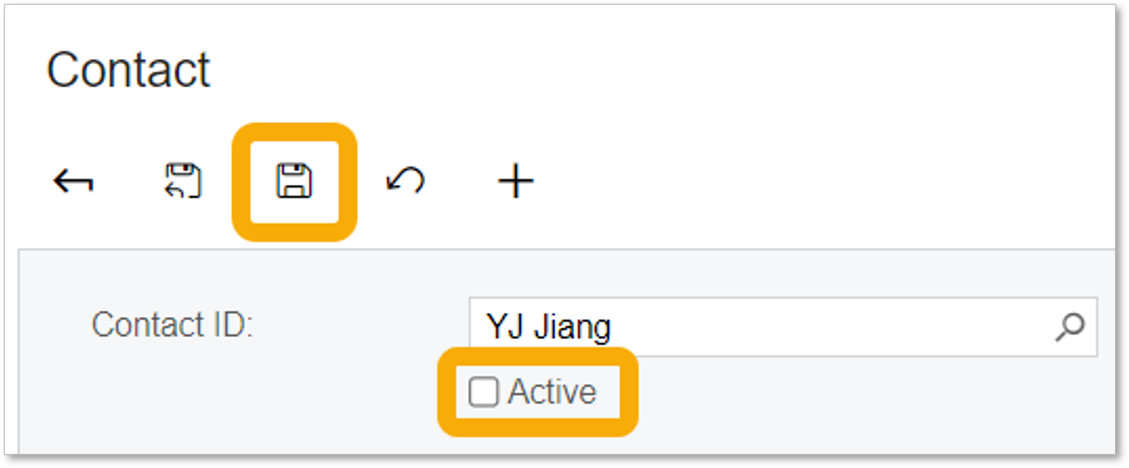
1. Go to Contacts
2. Choose the contact you want to disable
3. Uncheck ‘Active’ box and Save
|
Status
|
Reason
|
Definition
|
|
New
|
Assigned
|
Case is successfully created, but not taken yet. |
| Open | In Process | Case is taken by Lumina consultant, analysis or solution in progress. |
| Open | In Escalation | Reported case is escalated to Acumatica for further support |
| Open | Updated | Case is updated or required information is provided by customer, but not yet taken by Lumina consultant. |
| Pending Customer | More information requested | Case is taken by Lumina consultant, but requires more information for further investigation. |
| Pending Customer | Waiting Confirmation | Solution or work-around is provided in case, customer confirmation is required. |
| Closed | Closed on Portal | Case is confirmed closed by customer from portal. |